
How to Read a Car Fault Code, Step by Step
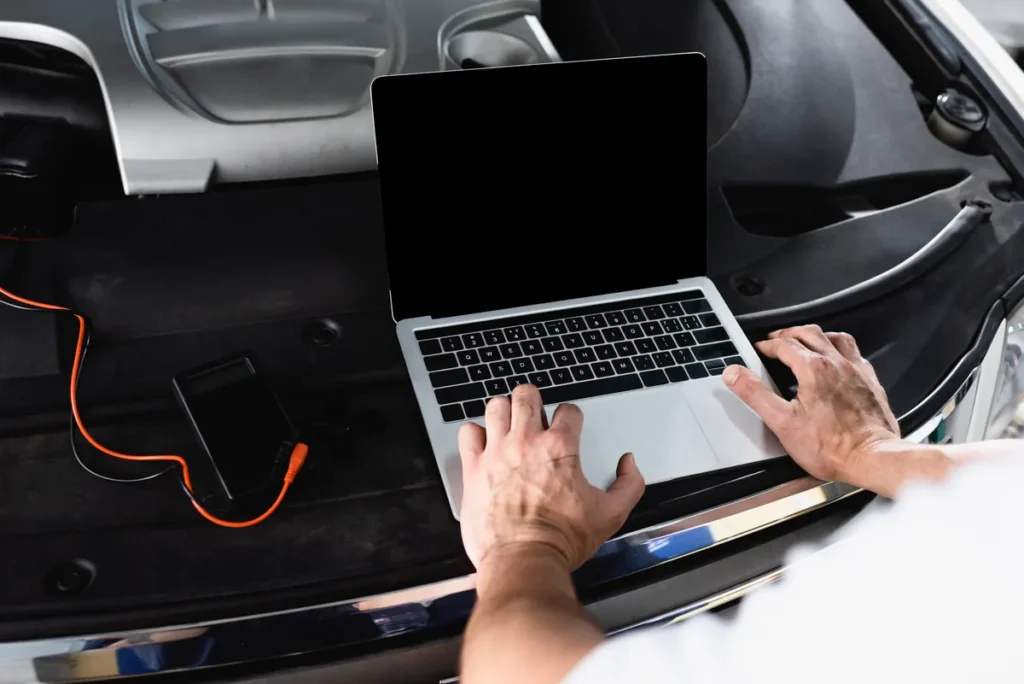
Reading a fault code takes about two minutes once you know where the socket is. The part that takes longer, and the part worth getting right, is what you do with the reading: capturing the freeze frame before you touch anything, understanding that the code names a failed measurement rather than a broken part, and resisting the urge to clear it immediately.
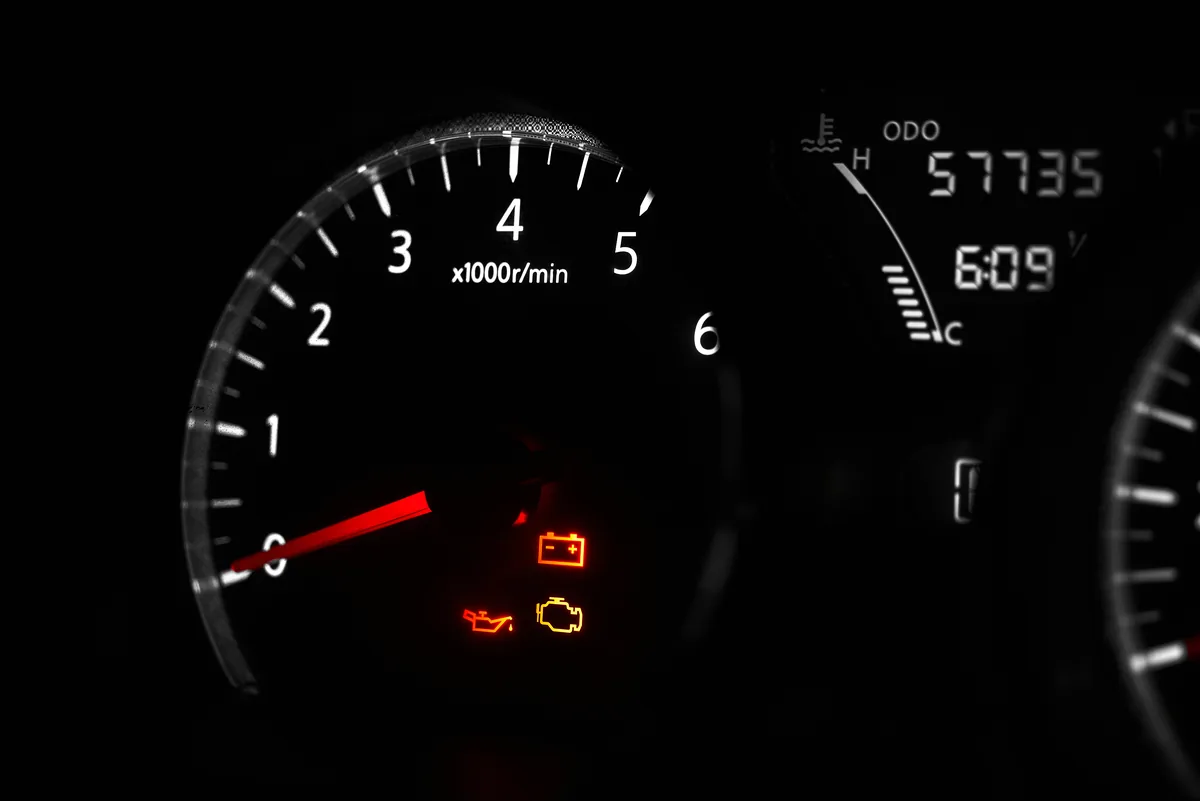
What you need
- An ELM327 adapter. Wired USB is the most reliable choice for a laptop, and it avoids pairing and driver problems.
- A Windows laptop with a free USB port and enough battery to sit in the car for a while.
- Diagnostic software installed and working before you go out to the car.
- A car that supports OBD2: European petrol from 2001, European diesel from 2004, non-European from 1996.
Do the install indoors
Install the software and its adapter driver at a desk with an internet connection, not sitting in a cold car in the dark. Half the frustration people report is doing setup in the worst possible place.
Step 1: Find the OBD2 socket
Regulations require it to be within reach of the driver’s seat. In order of likelihood: under the dashboard on the driver’s side above the pedals; behind a small removable trim panel in the same area; in or beside the centre console; inside the glovebox or fuse-panel cover; under an ashtray lid.
You are looking for a trapezoidal 16-pin connector. There is only one of them and nothing else in the car looks like it. A torch helps more than you would expect.
Step 2: Ignition on, engine off
Turn the key to position two — dashboard lit, engine not running — or press the start button without your foot on the brake if it is a keyless car. Most adapters need the ignition live before the car’s modules will respond.
Engine running also works and is necessary if you are going to look at live data afterwards. For a straight code read, ignition on is enough and puts less drain on the battery.
Step 3: Plug in and connect
Push the adapter fully home — it should feel positive, not loose — and check its light comes on. If nothing lights up, the socket may have no power; on many cars it has its own fuse, and on some models the same fuse feeds the cigarette lighter, which gives you a quick way to test.
Connect the USB end to the laptop, open the software, and select the COM port the adapter has appeared on. On Windows a USB adapter shows up as a serial port in Device Manager, which is where to look if the software cannot find it. Then connect to the vehicle.
Step 4: Read the codes — all of them
Ask for stored codes and pending codes both. They are separate requests and they tell you different things.
Stored codes are confirmed faults. These are what lit the warning lamp.
Pending codes have been detected but not yet confirmed — most emissions faults have to occur on two consecutive drive cycles before the control unit commits to them. A pending code is an early warning with no light attached, and reading it is how you catch something before it becomes a repair.
Write down every code exactly, including any letters. If there are several, do not assume they are separate problems. A lean-running code, a misfire code and a catalyst efficiency code appearing together are very often one fault with three consequences, and the order in which you address them matters.
Step 5: Capture the freeze frame before you do anything else
This is the step people skip, and it is the one that saves the most time.
When the engine control unit stored the code, it saved a snapshot of conditions at that instant: engine speed, road speed, calculated load, coolant temperature, fuel trims and usually more. That snapshot tells you when the fault happens, which is often more diagnostically useful than the code itself.
A misfire captured at 30 mph on a cold engine is a different investigation from the same code captured at 70 mph fully warm under load. One points at cold-start enrichment, ignition components that fail when cold, or a coolant temperature sensor. The other points at fuelling under load, ignition breaking down under cylinder pressure, or a failing coil that only misbehaves when hot.
Freeze frame is lost the moment you clear the code. Read it, photograph the screen or write it down, and only then move on. Freeze frame and live data need the Enhanced edition or above; the Standard edition reads and clears codes without the snapshot.
The most expensive mistake
Clearing the code first to “see if it comes back” throws away the freeze frame, resets the readiness monitors, and leaves you knowing less than you did five minutes ago. Read everything, then decide.
Step 6: Interpret what you have
The five characters decode systematically. The first letter is the system — P powertrain, B body, C chassis, U network. The second digit is 0 for a generic standardised code or 1 for a manufacturer-specific one. The third digit narrows to a subsystem: 1 for fuel and air metering, 3 for ignition and misfire, 4 for emissions controls, 5 for idle and speed control, and so on.
But the important interpretive point is not structural, it is this: the code names the measurement that failed, not the part that broke. P0135 does not mean “buy a lambda sensor”. It means the control unit could not get the expected response from that sensor’s heater circuit, which could be the sensor, the connector, the wiring, or a blown fuse shared with something else entirely.
Good diagnostic software gives you a plain-English description alongside the code, which saves you searching for it. AutoScan’s database covers 14,309 codes including manufacturer-specific ones. The description still describes a measurement, not a diagnosis — that part is on you.
Step 7: Decide what to do, in this order
- Look for the free causes first. A loose fuel cap, a disconnected sensor plug, a hose that has popped off, an air filter someone did not clip back down. These cause real fault codes and cost nothing to check.
- Deal with the upstream fault before the downstream one. If you have a misfire code and a catalyst efficiency code, the misfire is very likely causing the catalyst reading. Fix the misfire first.
- Use live data to choose between candidates. Two plausible causes for one code is normal. Watching the relevant parameters while the engine runs is how you pick.
- Get a quote knowing what you are quoting for. Even if you hand it to a garage, walking in with the code and the freeze frame changes the conversation. A UK garage typically charges around an hour of labour just to reach the point you are already at.
Step 8: Clear it properly, afterwards
Once the actual fault is fixed, clearing the code is the last step rather than the first.
Clearing turns the lamp off and wipes the stored code, the freeze frame and the readiness monitors. Then drive the car normally for several days, including at least one journey long enough to get thoroughly warm, and read it again. You want two results: no returned code, and the monitor covering the system you repaired showing complete. That is a fix. An unlit lamp on its own is just a button press.
If the code comes straight back, that is not a failure — it is information. The fault is still present, and you now know that whatever you did was not it.
When the reading does not go to plan
No connection at all. Check the ignition is on, check the adapter light, check the OBD2 fuse, check the COM port in Device Manager. Then try the adapter on a different car, which is the test that tells you whether the adapter or the vehicle is the problem.
Connects but finds no codes, and the light is on. The fault may be in a module outside generic OBD2 — an ABS or airbag light is not an engine light, and reading those needs an edition that supports them.
A code you cannot find any information about. Almost always a manufacturer-specific code and a thin database. This is the main practical difference between a basic free tool and a paid one.
Two minutes, before anyone quotes you
AutoScan reads stored and pending codes and explains them in plain English on a Windows laptop. There are 13 short videos covering the whole process from plugging in the adapter onwards.
Read it yourself
Stop guessing at the code
AutoScan reads the fault straight out of your car and tells you what it means in plain English, on your own Windows laptop. The trial reads real codes before you pay anything.
Keep reading
Related guides
OBD2 Live Data: What to Watch and What Is Noise
Modern cars report dozens of live parameters and most of them will not help you. The handful that actually diagnose faults, and…
What OBD2 Actually Is and How It Works
How your car monitors itself, what a fault code really represents, and why an emissions regulation from the 1990s is the reason…
What Freeze Frame Data Tells You
The snapshot your car saves when a fault code is stored is often more useful than the code itself. How to read…