
AutoScan vs Other OBD2 Software: An Honest Comparison

There is no single best OBD2 tool, only the right one for what you are trying to do. AutoScan is Windows software that reads generic and manufacturer-specific fault codes and, in the higher editions, live data and freeze frame, for a one-off price. That suits a lot of people and is the wrong answer for others. This page tries to be useful about which you are.
The four kinds of tool you are choosing between
Almost everything on the market falls into one of four groups, and they are not really competing with each other so much as serving different problems.
Free phone apps
Pair a Bluetooth ELM327 adapter with a phone and read generic OBD2 codes. Genuinely useful, genuinely free, and for a single “what is this light” question they are hard to argue with. What you generally give up is depth: generic codes only in the free tiers, thin or absent code descriptions, and a small screen for watching live data. Adapter compatibility is also the usual source of grief — more on that below.
Paid PC and phone software
This is where AutoScan sits. You get a fuller code database with plain-English descriptions, manufacturer-specific codes as well as generic ones, and a proper screen for live data. It is the sensible middle ground for someone who expects to use it more than once, or who runs more than one car.
Brand-specific software
Tools written for one manufacturer’s electronics. FORScan for Ford and Mazda, VCDS for the Volkswagen group, OBDeleven for the same family. These go far deeper than generic OBD2 on the cars they cover — module-level diagnostics, service functions, coding and adaptation — because they speak the manufacturer’s own protocols rather than the standardised subset.
Handheld scanners
A self-contained unit with its own screen. No laptop, no pairing, no drivers. The good ones from the established diagnostic brands are excellent and the professional models do things no generic tool can. They also cost what you would expect a piece of professional equipment to cost.
Where AutoScan is genuinely a good fit
Being specific is more useful than being enthusiastic, so here is what it actually does well.
You already own a Windows laptop. The screen is the underrated part. Watching six live parameters change together while someone else revs the engine is a completely different experience on a 15-inch display than on a phone. If you are trying to correlate fuel trim with lambda voltage, the extra screen area is not a luxury.
You want a one-off price. A licence key is bought once and lasts indefinitely, covers any number of vehicles, and there is no subscription. Standard is £24.99, Enhanced £49.99, Enhanced PLUS £64.99. That is the whole cost. For a household with two or three cars, or a small independent garage, the per-car economics are hard to beat.
You want a full code database rather than a number. The built-in database covers 14,309 fault codes with plain-English descriptions, including manufacturer-specific codes and not just the generic P0xxx set. A tool that returns “P1435” and nothing else has not really helped you.
You want live data without paying professional money. Enhanced and above read live values from over 90 sensors, plus freeze frame — the snapshot the engine control unit captured at the moment the fault was stored. Freeze frame in particular is the thing that turns a code into a diagnosis, and it is often missing from free tools.
You work on a mixed fleet. Generic OBD2 is standardised, so one tool covers everything from a 2003 Fiesta to a 2019 Octavia. Brand-specific software does not.
When not to choose us
This is the section that matters most, and skipping it would make everything above less trustworthy.
You only ever work on one manufacturer, and you want to go deep
If every car you touch is a Volkswagen group product, or every car is a Ford, buy the brand-specific tool. VCDS on a VW, or FORScan on a Ford, will reach modules, service functions and coding options that generic OBD2 software simply cannot address, because the manufacturer never exposed them through the standardised protocol. That is not a limitation we can engineer around; it is what generic OBD2 is. Use the right tool.
You need bidirectional control, actuator tests or module programming
Commanding a cooling fan on, cycling an ABS pump to bleed brakes, forcing a DPF regeneration, programming a key, coding a replacement module — these are professional diagnostic functions and they need professional equipment. If your work depends on them, a proper workshop scan tool is the correct purchase and it will pay for itself.
You do not have and do not want a Windows laptop
AutoScan is Windows software. If you are a Mac or Linux household, or you genuinely want to do everything from a phone, this is not the tool for you. Enhanced PLUS adds Bluetooth adapter support and a mobile app, but the core product is a Windows application and you should buy it expecting that.
You have exactly one warning light, once, and that is the end of it
If your car will be sold next month and you just want to know whether this light is a fuel cap or a catalytic converter, a free phone app or a five-minute code read at a motor factor will answer that. Paying for software you will use once is not good value and we would rather say so.
Your car is older than the OBD2 mandate
Generic OBD2 diagnostics need a car that supports it: European petrol from 2001, European diesel from 2004, non-European from 1996. A 1994 car has no OBD2 socket to plug into, and no software will change that.
The honest summary
AutoScan is a good buy if you want depth of code coverage and live data on a laptop, across multiple cars, for a price you pay once. It is the wrong buy if you need bidirectional control, single-marque depth, or a Mac.
Side by side
| Free phone app | AutoScan | Brand-specific | Pro handheld | |
|---|---|---|---|---|
| Reads generic codes | Yes | Yes | Yes | Yes |
| Manufacturer-specific codes | Limited | Yes | Deep, one marque | Yes |
| Plain-English descriptions | Varies | 14,309-code database | Yes | Yes |
| Live data | Basic | Enhanced and above, 90+ sensors | Extensive | Extensive |
| Freeze frame | Sometimes | Enhanced and above | Yes | Yes |
| ABS and SRS | Rarely | Enhanced and above | Yes | Yes |
| Bidirectional control | No | No | Often | Yes |
| Works across all makes | Yes, shallowly | Yes | No | Yes |
| Cost model | Free or subscription | One-off licence | One-off or subscription | Hardware purchase |
The thing that actually breaks people’s setups
It is almost never the software. It is the adapter.
ELM327 is a chipset design that has been cloned relentlessly. A large share of the cheapest adapters sold online contain a cut-down clone that reports itself as a recent firmware version, supports only some of the OBD2 protocols, drops the connection under load, or fails outright on CAN-only vehicles. The symptom is always the same — “the software will not connect” — and the cause is usually a £4 adapter.
Whichever software you end up choosing, budget properly for the adapter. A wired USB interface from a seller who will replace it if it does not work is worth several times a bargain-bin Bluetooth dongle, and it removes pairing and driver problems as a variable when something goes wrong.
Try before you decide
There is a free download that lets you install the software and confirm it runs on your machine before you buy a licence. It is deliberately limited — the unregistered version does not work with fault codes, freeze frame or live data — so treat it as an installation and connection check rather than a working trial, and read the edition comparison to work out which one covers what you need.
If after all that a different tool is the better answer for your situation, buy that instead. A diagnostic tool that does not fit the work is expensive at any price.
See whether it runs on your setup
The download installs on Windows and lets you check the software launches and finds your adapter before you commit to a licence.
Read it yourself
Stop guessing at the code
AutoScan reads the fault straight out of your car and tells you what it means in plain English, on your own Windows laptop. The trial reads real codes before you pay anything.
Keep reading
Related guides
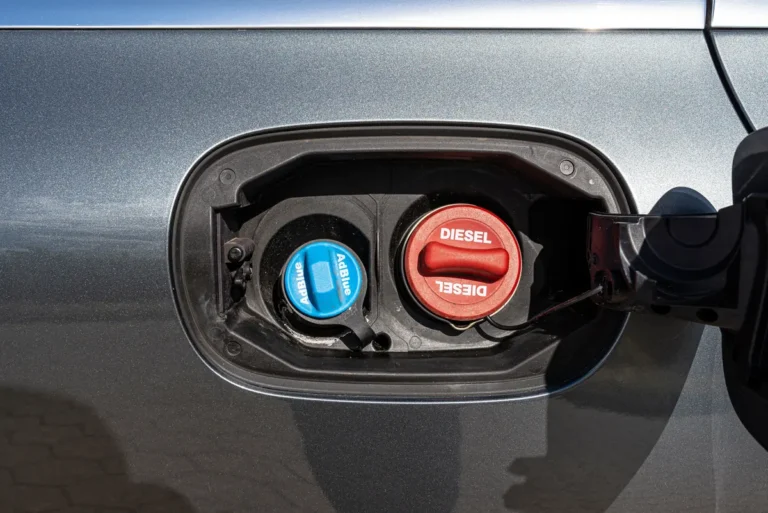
P0455 Large EVAP Leak: Start With the Fuel Cap
A large evaporative leak is the one EVAP fault you can often find yourself in five minutes, and the fuel cap is…
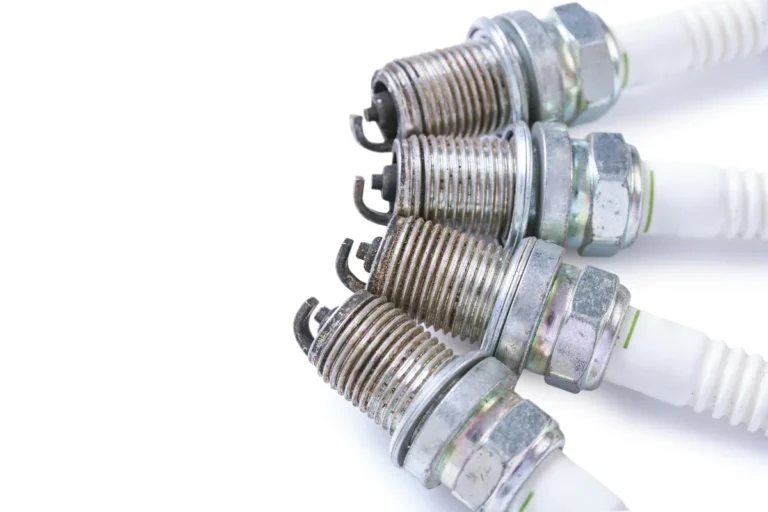
P0301 Cylinder 1 Misfire: Find the Cause Before Buying Parts
How to use the coil and injector swap test to prove which part is faulty on cylinder one, so you replace the…
MOT Emissions Failure: Find the Cause Before the Retest
An emissions fail tells you the numbers were wrong but not why. Here is how to read the failure sheet, work out…